For Network Owners
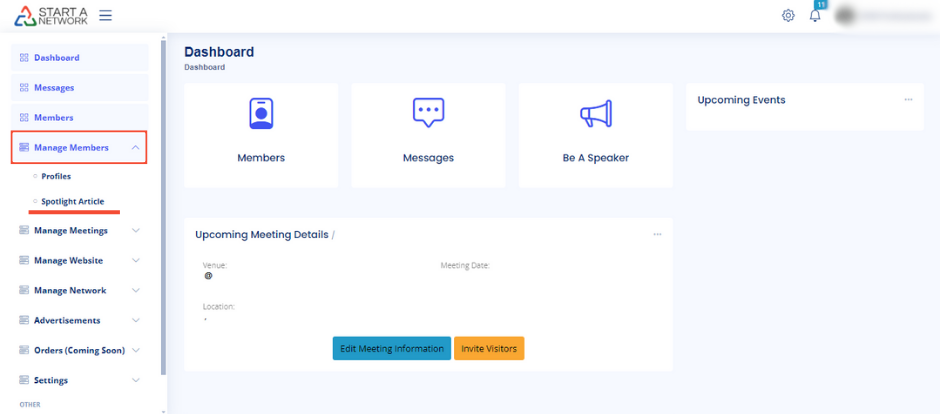
Head over to your dashboard and click on “Manage Members” from the menu on the left. You’ll see two key options: Profile and Spotlight Article. Today, we’re laser-focusing on Spotlight Article.
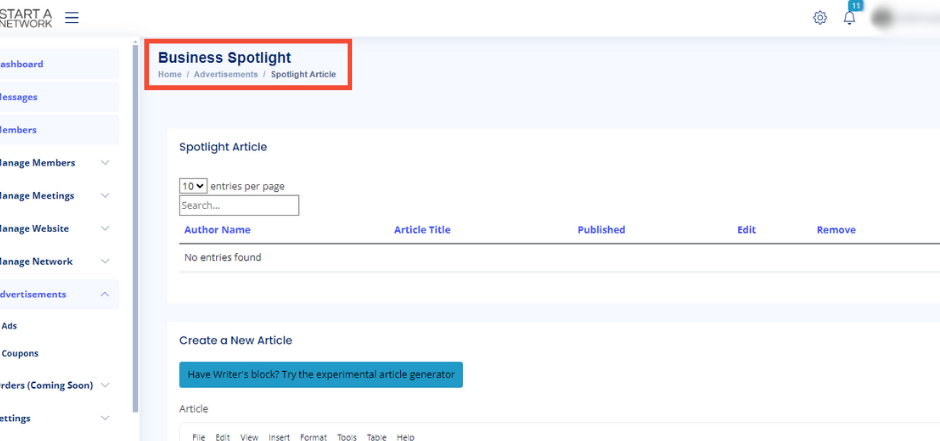
Click on Spotlight Article, and you’ll land on the Business Spotlight page—a treasure trove of articles lovingly crafted by your network members. Here, you can view each article’s title, author, and handy editing tools.
For Network Members
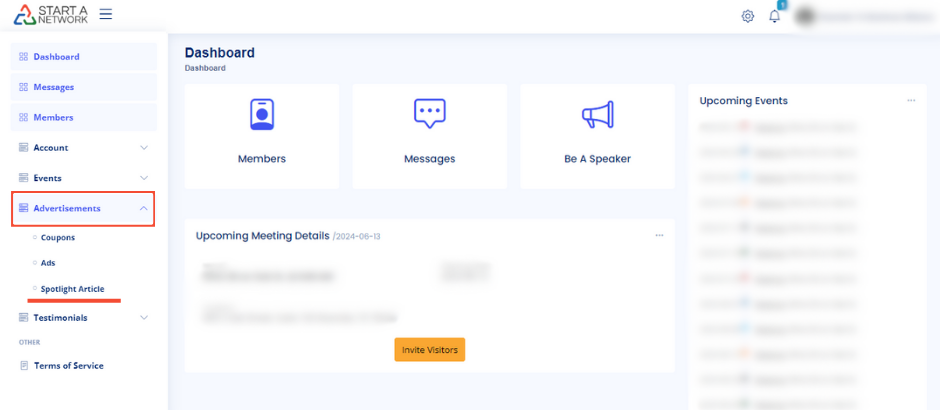
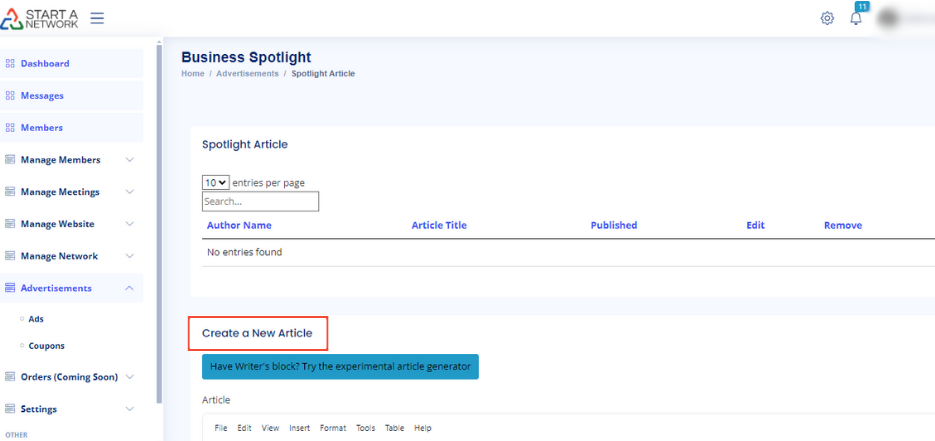
If you’re a network member, simply click on Advertisements and then Spotlight Article from the menu. You will land on a page where you can see and edit your own articles, as well as create new ones!
Hit the ‘Create a New Article’ button to add fresh content to the platform.
Stuck on Ideas? Use the Article Generator!
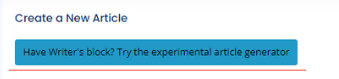
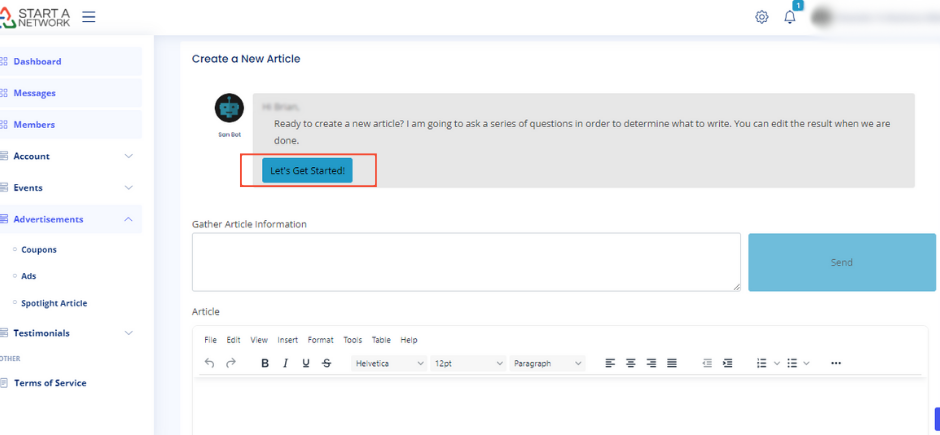
Got writer’s block? No worries! Our ingenious ‘Article Generator’ is like having a co-pilot. It asks you a series of questions to shape your article, and when it’s done, you can add your personal flair. Just click ‘Let’s Get Started!’ and let the AI do its magic.
The Four Main Sections to Work With
Let’s break down the four main sections you’ll be working with: Article Content, Article Information, SEO Fields, and Article Featured Image.
1. Article Content
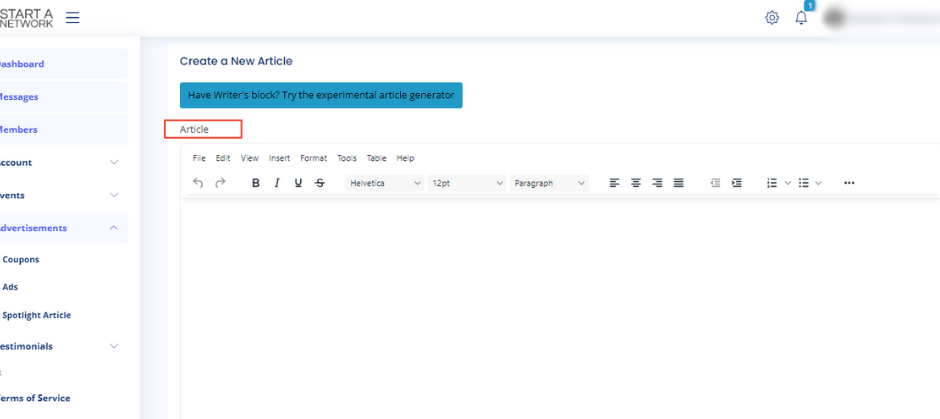
This is your playground for ideas. Think of it as your usual word processor, but turbocharged with AI to help you let those creative juices flow!
2. Article Information
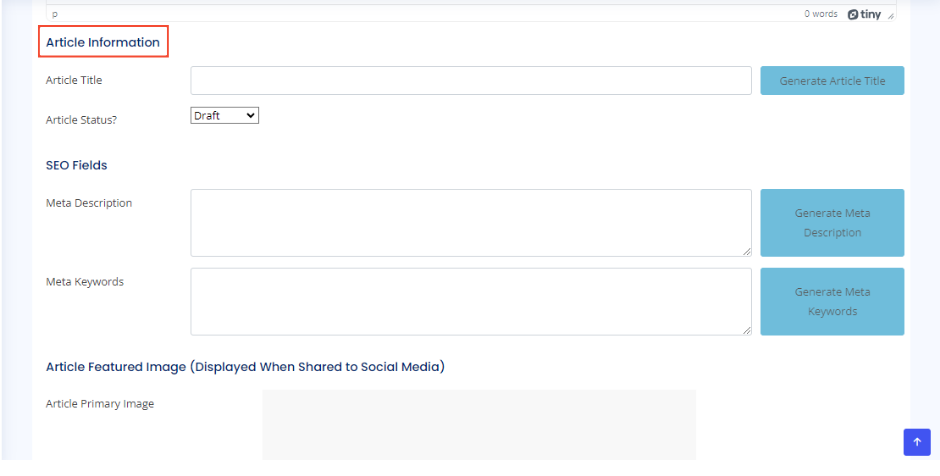
Here’s a pro tip: If you’re feeling stuck, click the Generator Buttons for AI-generated titles, meta descriptions, and keywords. Or, if you’re feeling inspired, go ahead and craft them yourself.
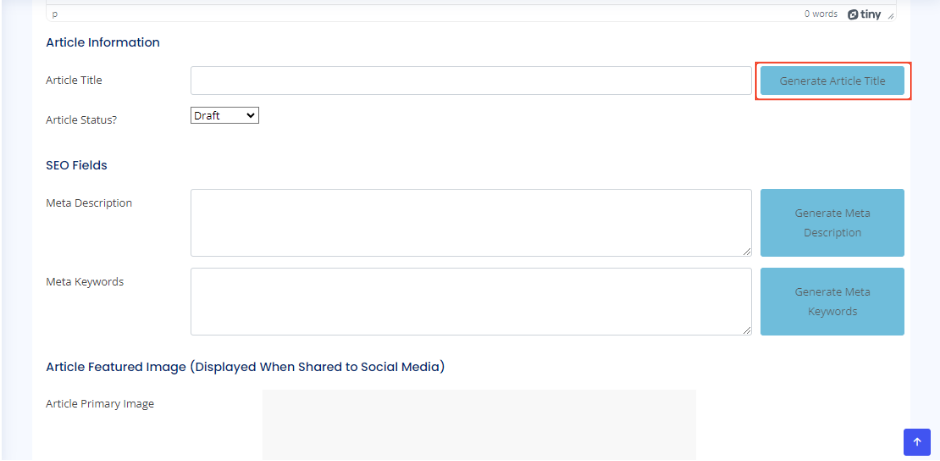
Your article is going to need a great title. Input one, or let our AI give you some fantastic suggestions.
3. SEO Fields
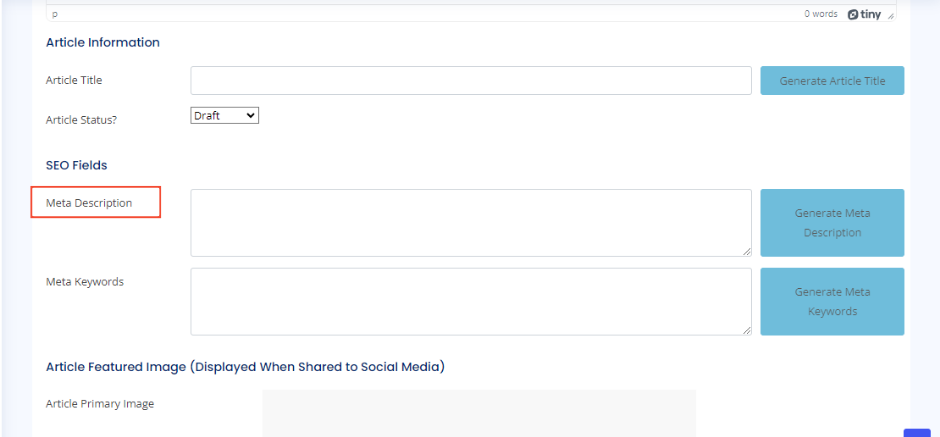
Your meta description is a quick summary that shows up in search engine results. It’s your hook to entice readers, so make it compelling and concise.
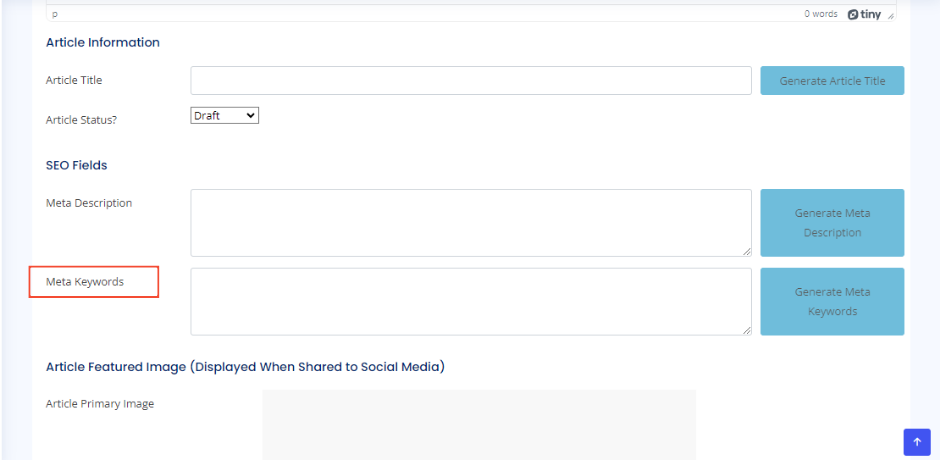
Meta keywords serve as breadcrumbs for search engines to understand what your article is all about. They’re subtle but essential.
4. Article Featured Image
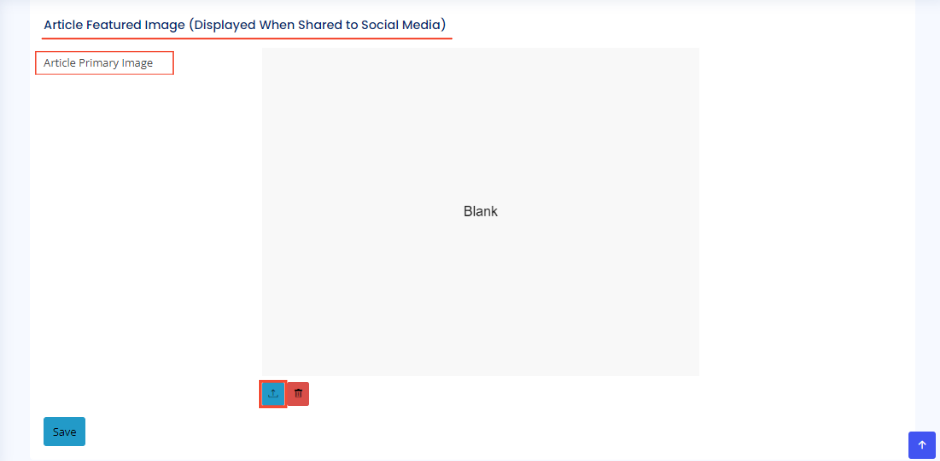
On to the final touch: the Article Featured Image. Choose a captivating cover photo that screams “click me!” and helps share your article across social media. Just click Upload, and you’re good to go.